Key takeaways
- 1Dropbox Transfer is good if you already pay for Dropbox; otherwise it is mostly a bundled feature.
- 2WeTransfer is fastest for one-off transfers but lower tiers are allowance-based and never carry your domain.
- 3BulkShare is the only one of the three with custom-domain delivery on a normal monthly plan.
- 4The better comparison is not old WeTransfer Pro vs BulkShare. It is transfer volume vs branded client delivery.
- 5If you ship to recurring clients, optimize for the brand on the link, not the cheapest generic transfer path.
Three names come up almost every time an agency asks "what should we use for client file delivery?" — Dropbox Transfer, WeTransfer, and increasingly BulkShare. They're often grouped together but they actually optimize for different things, and the right pick depends entirely on what you care about. (If you only want the two-way matchup, see our full WeTransfer vs Dropbox comparison.)
This is a head-to-head on the criteria that actually move the needle for client work: who controls the brand on the link, how long do recipients have to download, what kind of analytics do you get, and what's the real annual cost.
Quick verdict
- Pick Dropbox Transfer if you already pay for Dropbox storage and just need an occasional outbound link.
- Pick WeTransfer if speed and zero-friction sends to strangers matter more than the link itself.
- Pick BulkShare if your clients are recurring and the URL they click should carry your studio's brand.
The longer breakdown is below.
Side-by-side comparison
| Dropbox Transfer | WeTransfer | BulkShare | |
|---|---|---|---|
| Free transfer size | 2 GB on Dropbox Basic | 10 transfers or 3GB/30 days | 2 GB anonymous |
| Paid transfer size | 50 GB / 100 GB / 250 GB depending on plan | Starter allowance to 300GB; Ultimate for high volume | 100 GB per file |
| Free expiry | 7 days | 1–3 days | 24 hours anonymous, configurable on free account |
| Paid expiry | Custom expiry on supported paid plans | Ultimate can keep transfers active as long as needed | None (configurable) |
| Password protection | Paid plans | Included in current Free/Starter structure | Pro ($29/mo) |
| Custom domain | No | Enterprise only | Pro |
| Delivery analytics | Transfer activity on paid plans | Transfer-oriented activity | Opens, downloads, geo, password attempts |
| Cheapest paid plan | Dropbox plan dependent | Starter / Ultimate / Teams | $29/mo Pro |
| Best fit | Dropbox storage users | Generic transfer volume | Branded client delivery |
1. Dropbox Transfer — the bundled option
Dropbox Transfer is interesting because it behaves more like a Dropbox feature than a standalone agency handoff system. If you already pay for Dropbox, you probably already have some Transfer capability. If you do not, buying Dropbox just for Transfer is usually overkill.
What it does well: Tight integration with Dropbox storage. If your working files already live in Dropbox, the transfer flow is two clicks. Clean recipient experience — no Dropbox account required. Solid delivery tracking.
Where it falls short:
- The link is always
dropbox.com/transfer/.... No way to brand it. - The limits and features depend heavily on which Dropbox plan you already have.
- You're effectively paying for storage and getting Transfer as a feature, which is fine if you need the storage and a problem if you don't.
Best for: Studios and freelancers who already use Dropbox as their primary cloud storage and want a clean way to send the occasional link. Worst for anyone whose primary storage is Google Drive, OneDrive, or local — paying for Dropbox just to get Transfer is overkill.
2. WeTransfer — the fast default
WeTransfer earned its position. The upload flow is simple, the brand is familiar, and the recipient experience is so smooth that you can send a link to a 60-year-old executive and they'll figure it out without instructions.
What it does well: Speed. Universal recognition. The current Free plan includes password protection and supports 10 transfers or 3GB every 30 days. Starter raises the allowance to 300GB; Ultimate is the high-volume individual tier.
Where it falls short:
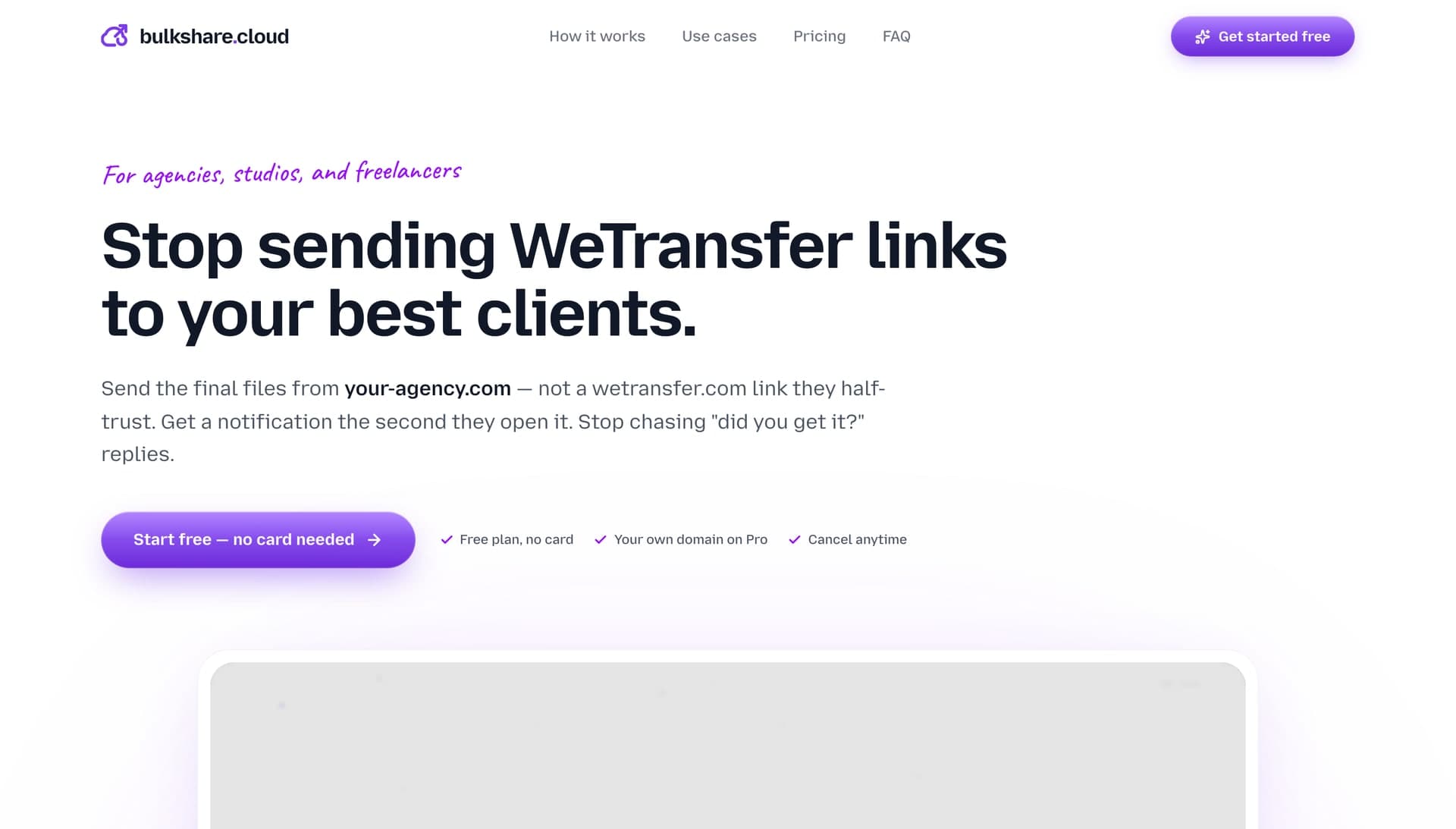
- Recipients see WeTransfer's brand instead of yours.
- Free and Starter transfers are allowance-based and short-lived compared with final client delivery needs.
- More transfer volume does not solve the custom-domain problem.
Best for: One-off transfers, prospecting, sending to journalists, casual handoffs where the WeTransfer brand on the link is fine. Worst for recurring agency client work where the link reads as "I didn't bother to set up our own infrastructure."
3. BulkShare — the branded option
Disclosure: I built BulkShare. I'll be honest about where it doesn't fit.
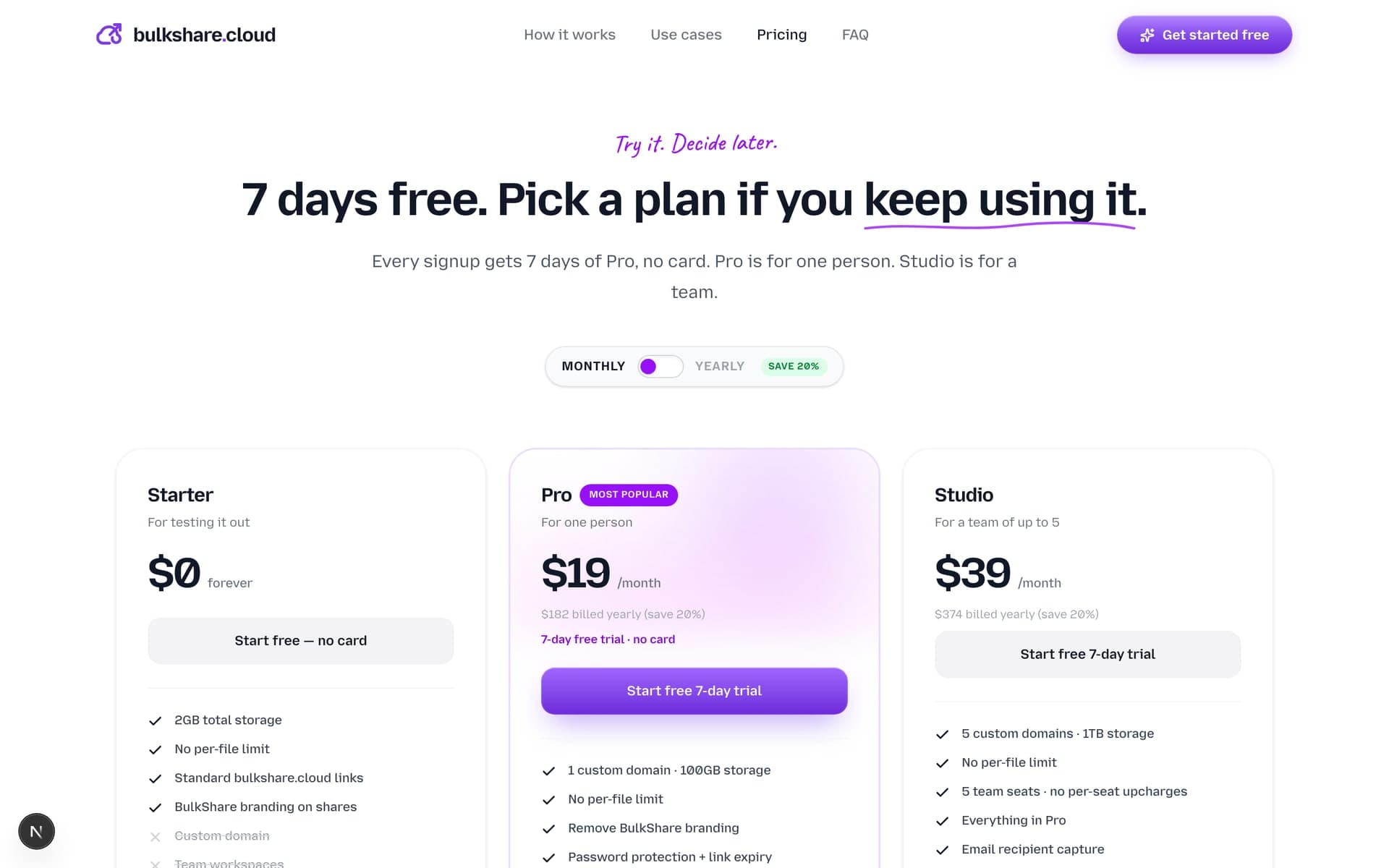
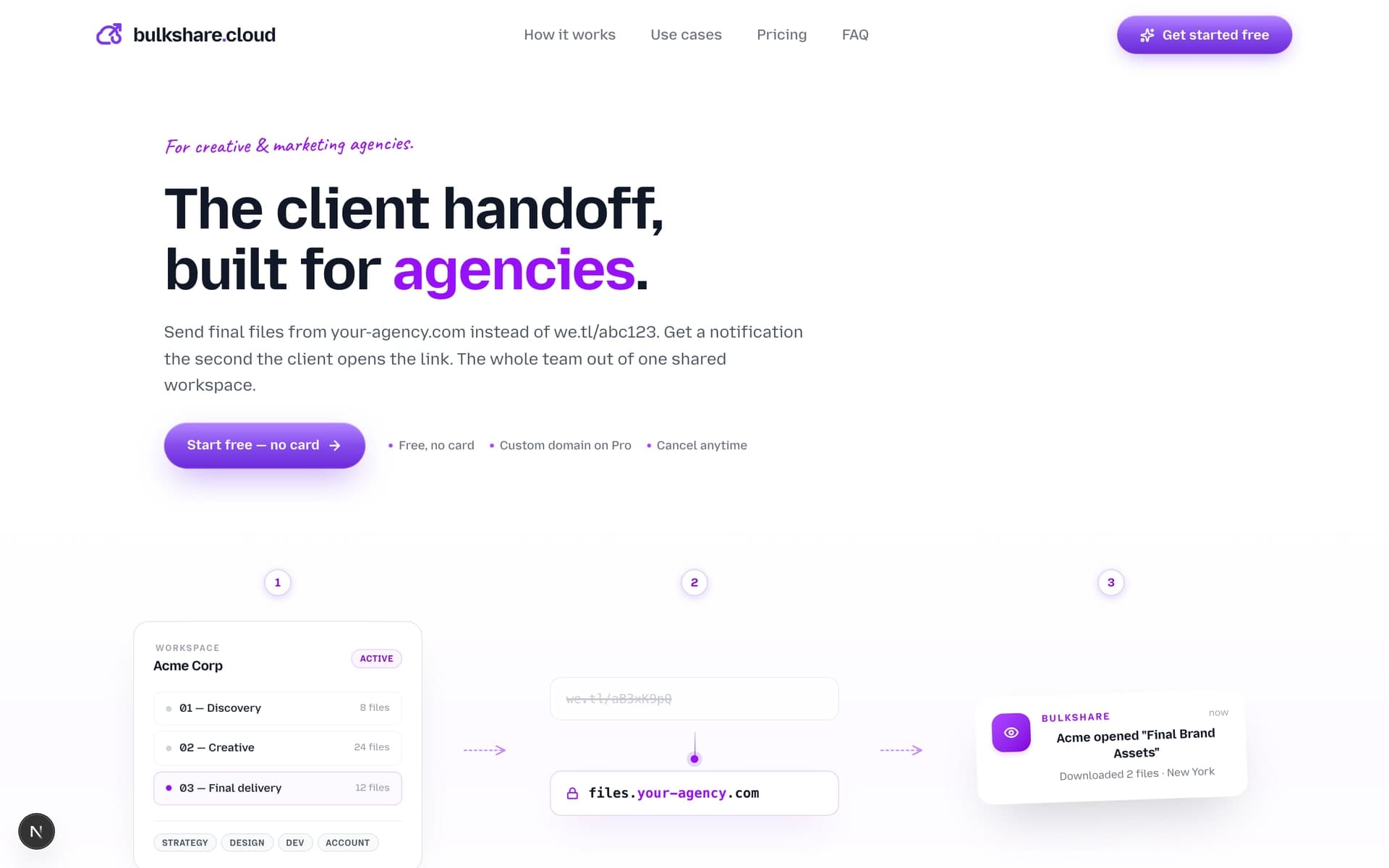
What it does well: Custom-domain delivery on a self-serve plan ($29/mo) is the differentiator. Your clients download from files.your-agency.com, not bulkshare.cloud. Detailed delivery analytics — you can see exactly who opened the link, when, from where, and whether they tried a wrong password. No expiry on Pro plans, so final delivery links don't break six months later when a client comes back asking for a file.
Where it falls short:
- $29/mo is not trying to beat WeTransfer on generic transfer volume — you're paying for the custom domain feature and detailed analytics.
- Smaller team than the incumbents. If you need a deeply integrated DAM (digital asset management) system, BulkShare doesn't try to be that.
- Less brand recognition. Your client has heard of WeTransfer; they probably haven't heard of BulkShare. Whether that matters depends on your audience.
Best for: Agencies and freelancers doing recurring client deliveries where the URL the client clicks is part of the experience you're selling. Worst for someone who sends one file a month to a different person each time.
The cost breakdown nobody talks about
Old comparisons usually framed this as Dropbox Plus vs WeTransfer Pro vs BulkShare Pro. That is now a stale frame. WeTransfer's current structure is more about Free/Starter allowances, Ultimate volume, and Teams workspaces. The interesting comparison is what job each tool actually performs.
| Dropbox Transfer | WeTransfer | BulkShare Pro ($240/yr) | |
|---|---|---|---|
| Primary job | Send from existing Dropbox storage | Fast generic transfers | Branded client handoffs |
| Custom domain | No | No in normal transfer flow | Yes |
| Password | Paid-plan feature | Included in newer lower tiers | Yes |
| Configurable expiry | Plan dependent | Plan dependent; Free/Starter up to 3 days | Up to no-expiry |
| Per-link analytics | Transfer activity | Transfer-oriented | Opens, downloads, geo, password log |
| Built-in cloud storage | Yes (Dropbox) | Transfer workspace | Yes (1 TB) |
BulkShare Pro is not the cheapest way to send a random file. It is the cheapest option in this comparison that makes the download link look like your agency's own infrastructure. For a studio billing $5,000–$50,000 per project, that is a different buying question than raw transfer allowance.
Decision framework
Pick based on the dominant constraint:
- You already pay for Dropbox → Dropbox Transfer. You have it.
- Most of your sends are one-offs to people you may never email again → WeTransfer. Free or Starter may be enough.
- You ship recurring deliverables to paying clients and the link they click matters → BulkShare. The custom domain pays for itself in perceived professionalism.
- You routinely send 100 GB+ video files → none of the three. Look at MASV or Smash instead.
One tip regardless of which you pick: when a delivery has more than a couple of files, bundle them into a single named archive first — a free ZIP file creator does it in the browser in seconds, and the client downloads one acme-final-assets.zip instead of clicking twelve separate files.
The mistake is treating these tools as interchangeable. They optimize for different things. Once you know which axis matters most to your business — speed, integration, or branding — the choice becomes obvious.
Frequently asked questions
What's the main difference between Dropbox Transfer and WeTransfer?
Dropbox Transfer is bundled into Dropbox subscriptions and integrates with your Dropbox storage, with delivery tracking on paid plans. WeTransfer is a standalone transfer product optimized for fast one-off sends, now with Free and Starter allowances calculated over a rolling 30-day window. Neither is built around custom-domain download links.
Is BulkShare cheaper than WeTransfer?
Not if you only compare generic transfer volume. BulkShare Pro is $29/mo and is priced around custom-domain delivery, not broad consumer file sending. If branding on the link matters, BulkShare is the lower-cost self-serve option in this comparison that includes it.
Which has the best download tracking?
All three offer some level of delivery signal on paid plans. Dropbox Transfer has transfer activity features, WeTransfer is transfer-oriented, and BulkShare is built around client handoff analytics: opens, downloads, geographic location, and password-attempt logs per link.
Can I use my own domain on Dropbox Transfer or WeTransfer?
No on both. WeTransfer reserves custom domains for enterprise plans (talk-to-sales pricing). Dropbox Transfer doesn't offer it at all — links are always dropbox.com/transfer. BulkShare is the only one of the three where custom domains are a standard feature on a self-serve monthly plan.
Which one has the longest link expiry?
WeTransfer Free and Starter transfers can stay active for up to 3 days; Ultimate can keep transfers active as long as needed. Dropbox Transfer expiry depends on plan. BulkShare lets you set custom expiry from 24 hours to no expiry on Pro, which is useful for final client delivery.
Sources & further reading
- New WeTransfer subscription plans — WeTransfer Support
- WeTransfer transfer availability — WeTransfer Support
- Dropbox Transfer overview — Dropbox
- Dropbox Transfer pricing overview — Dropbox
- BulkShare pricing — BulkShare
- G2 reviews — cloud content & collaboration tools — G2

Written by
Api Alam
Founder of BulkShare
Full-stack developer building BulkShare — branded file delivery for agencies and client-service teams.
Follow on X